Section introduction
Eyebrow
- Font
- Antarctican Mono
- Weight
- Medium
- Tracking
- -2%
- Case
- Uppercase
- Usage
- Section intros, labels
01 — Identity
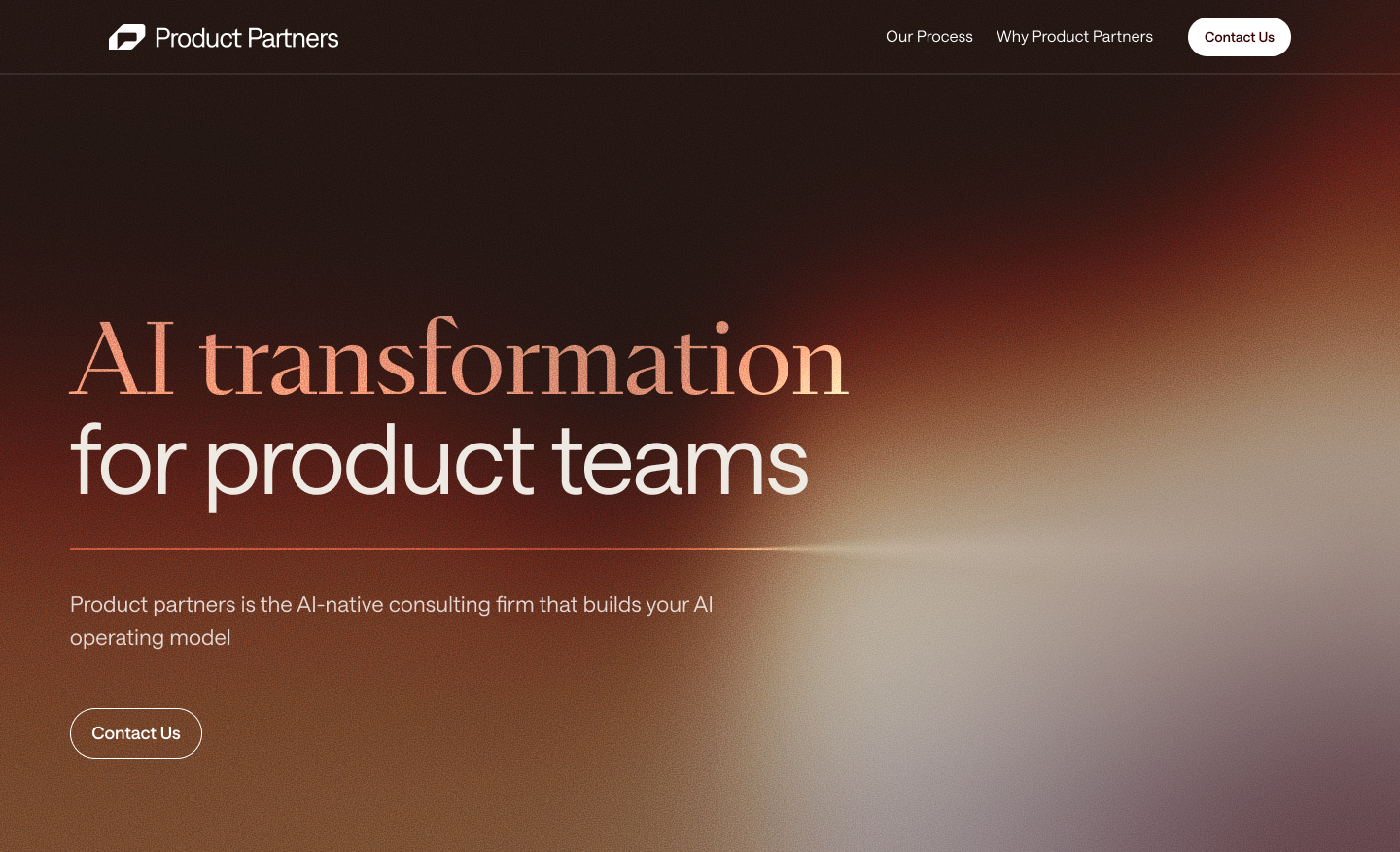
The Product Partners identity pairs a single confident symbol with the wordmark. The symbol carries our Primary Red; the wordmark adapts to its surface. Use the standard horizontal lockup wherever space allows.
Two approved constructions of the identity. Use the standard horizontal lockup wherever space allows; the symbol stands alone only in tight or square spaces.
Approved color treatments for the lockup and the symbol across light and dark surfaces.
Grab any approved lockup or symbol as vector
(SVG) or raster (PNG, 2000px). White variants
export on a transparent background for dark surfaces.
Protect the mark. Keep clear space equal to the
height of the symbol (1×) on all sides. Never place
competing elements inside the exclusion zone.
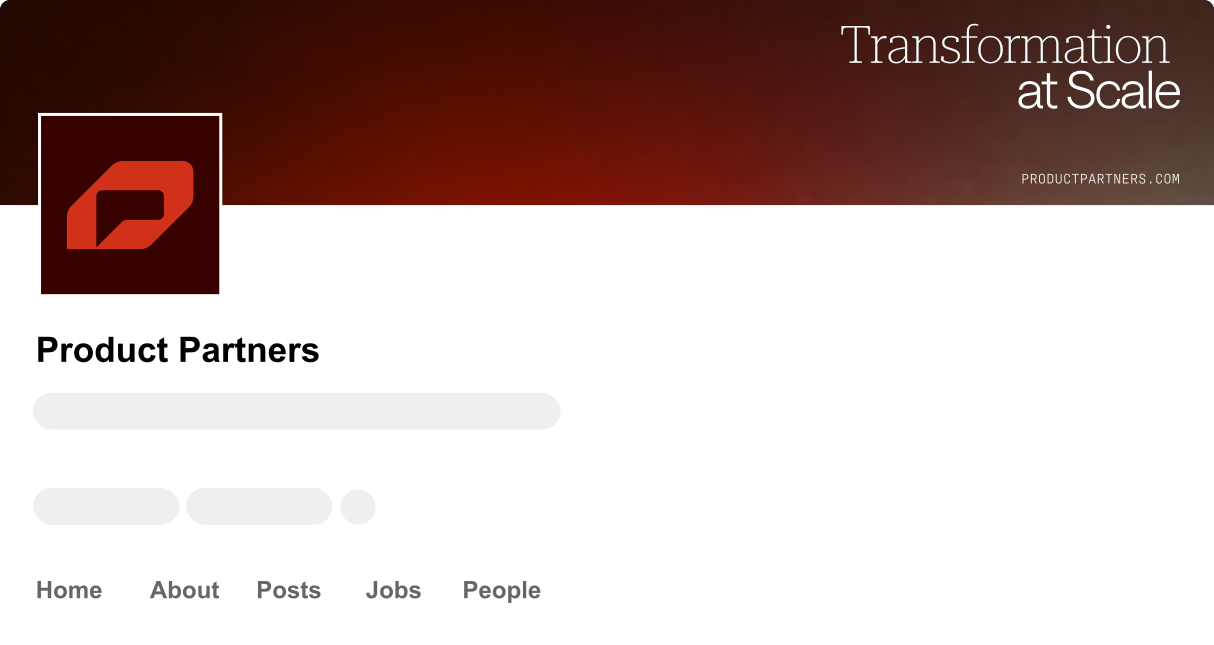
The identity at work across primary touchpoints.

02 — Type
A three-family system: Saans carries headlines and body, Abstract Serif adds editorial contrast, and Antarctican Mono handles eyebrows, tags and code.
Primary
Saans
AaBbCcDdGg 0123
Headlines & body. The workhorse of the system.
Secondary
Abstract Serif
AaBbCcDdGg 0123
Editorial & special use. Mixed into headlines for emphasis.
Monospace
Antarctican Mono
AaBbCcDdGg 0123
Eyebrows, tags, superscript & code.
Note
This preview renders the real brand type: Saans and
Abstract Serif ship locally via @font-face,
and Antarctican Mono loads from Adobe Fonts. Every
spec below is mapped to the correct family through the --font-* tokens.
Five roles, each with exact type specifications.
Section introduction
Helping product teams drive
measurable outcomes
We embed with your product teams to turn AI ambition into shipped, measurable outcomes — pairing rigor with hands-on delivery so the work compounds long after we leave.
Product-focused thinking — not generalist consulting.
[ AI Strategy ] [ Delivery ] Est.2024
The full hierarchy assembled as it appears in production.
AI Transformation
Product Partners embeds senior practitioners alongside your teams to move from AI ambition to shipped outcomes. We bring the rigor and best-in-class practices of the world's strongest product organizations — and we build, not just advise.
A fully-rounded pill across four roles. The primary is solid Burgundy; the white and outline variants are built for dark and photographic backgrounds; the tertiary is a quiet text link.
#370100 pill, white label. One per view.03 — Color
A restrained, near-monochrome palette. Black, white and grays carry ~95% of every layout; red and orange appear only for calls to action and key moments. Click any value to copy.
Base colors defined by tone and intensity, with no
assigned use. Each family steps from its base (500) to its
lightest tint (50). Click any swatch to copy its HEX.
Primitive values mapped to functional roles.
For inline section messages on light surfaces, each status color drops to a 12% tint over white — the lightest step tested that still reads as the status while keeping neutral body text well above AA (~10:1). The full-strength color carries only the icon and a hairline border, so contrast never depends on the colored fill.
Live preview — toggle Light / Dark with the control above. In dark mode, Orange becomes the primary accent to hold a 4.5:1 contrast ratio.
Case Study
Built, not just advised.
We embedded with the team and shipped a production AI workflow in nine weeks — rigor, hands-on.
Body text in context
Dominant neutrals carry the layout while a single accent draws the eye to the action. Secondary text recedes, primary text leads.
Secondary / supporting copy.
An inline text link →Neutrals 72% Burgundy 18% Orange 6% Red 4%
Interactive states: Red for primary actions, Orange for secondary. Never rely on color alone to signal state.